


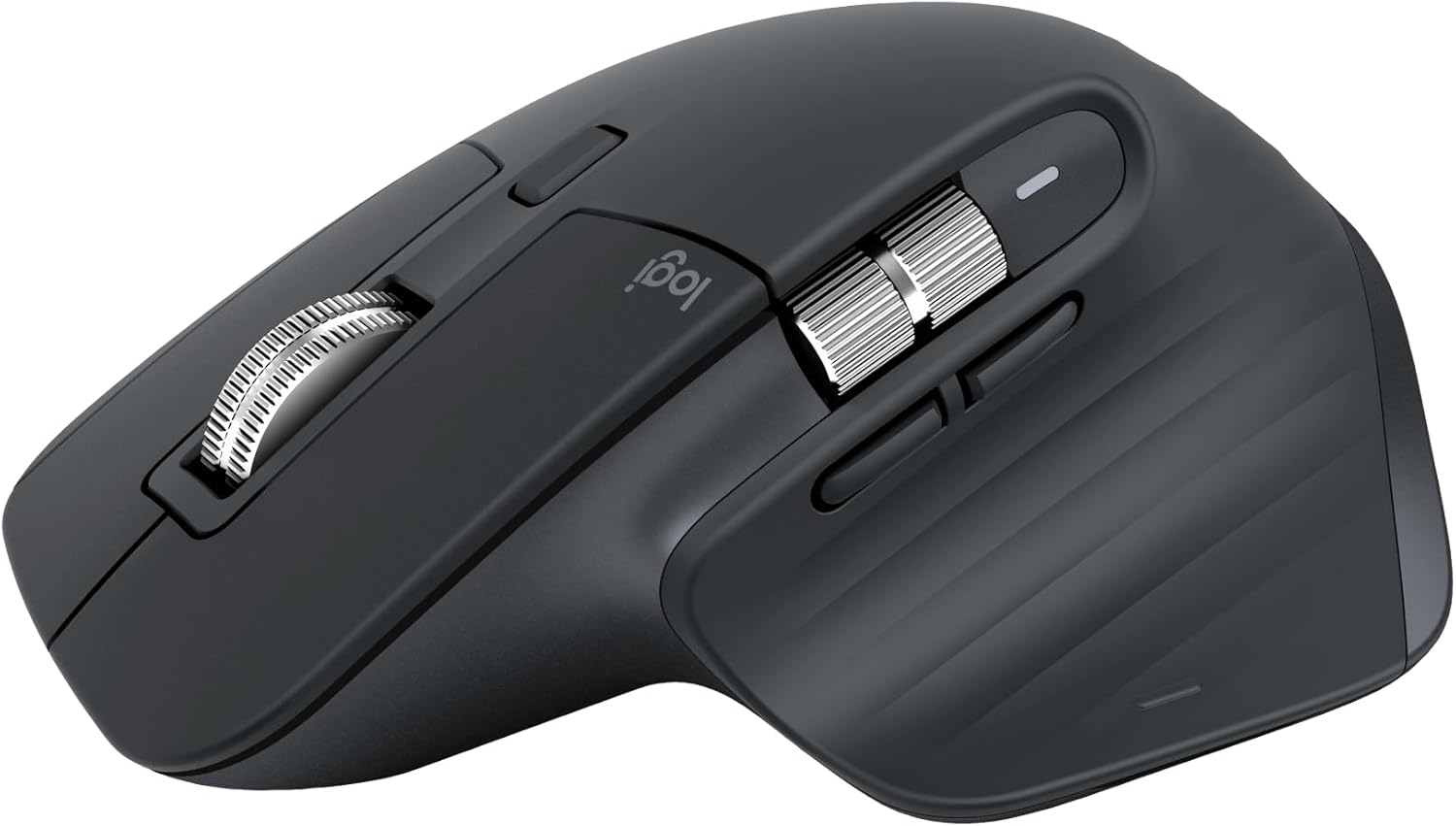
Introduction
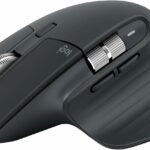
In the ever-evolving world of tech accessories, the Logitech MX Master 3 Wireless Mouse stands out as a powerhouse. Designed for professionals, gamers, and anyone who values efficiency, this mouse offers compelling features that maximize productivity. In this detailed guide, we will delve into its features, pros and cons, buying criteria, and much more to help you decide if it’s the right choice for you.
Product Presentation
The Logitech MX Master 3 is not just another wireless mouse; it embodies innovation. With its ergonomic design, advanced tracking capabilities, and customizable features, this mouse promises to take your computing experience to the next level.
Features of Logitech MX Master 3
-
- Ergonomic Design: Crafted for comfort, it fits snugly in your hand, reducing wrist strain during long work sessions.
-
- MagSpeed Scroll Wheel: This feature allows for effortless scrolling, enabling you to navigate through lengthy documents and web pages with ease.
-
- Multi-device Connectivity: This mouse can connect with up to three devices and easily switch between them, perfect for multitaskers.
-
- Customizable Buttons: Fully programmable buttons let you personalize your workflow, simplifying repetitive tasks.
-
- USB-C Fast Charging: One minute of charging provides three hours of usage, and a full charge lasts up to 70 days.
In-Depth Review of Features
Ergonomic Design
The curved shape of the MX Master 3 fits the natural contour of your hand, promoting a healthier wrist position. This is essential for long hours in front of a computer.
MagSpeed Scroll Wheel
The MagSpeed scroll wheel is a game changer. It switches between ratchet and hyper-fast scrolling modes, allowing you to scroll 1,000 lines in a second!
Multi-device Connectivity
Switching between devices is seamless. You can connect via Bluetooth or the USB Unifying Receiver and easily toggle between devices, including laptops and tablets.
Customization Options
Using the Logitech Options software, you can customize the buttons to execute specific commands, which boosts your productivity. Imagine having a shortcut right at your fingertips!
USB-C Fast Charging
In our fast-paced world, battery life matters. The USB-C port ensures you’re never out of juice for long, making this mouse an absolute necessity for professionals on the go.
Pros and Cons
Pros
-
- Comfortable Ergonomics: Designed for prolonged use without discomfort.
-
- Advanced Scrolling: Incredibly efficient for navigating long documents and web pages.
-
- Multi-device Support: Perfect for users who work with different devices.
-
- Extensive Customization: Tailor to your specific needs for optimum productivity.
-
- Long Battery Life: One charge lasts up to 70 days, minimizing disruption.
Cons
-
- Premium Price Point: It’s more expensive than standard mice, which may not fit every budget.
-
- Size: Its larger size may not be suitable for users with smaller hands.
-
- Learning Curve: New users may take some time to fully utilize the customizable buttons and features.
Buying Criteria for the Logitech MX Master 3
When considering the Logitech MX Master 3, here are key factors to keep in mind:
1. Usage Needs
-
- Professional Work: Ideal for graphic designers, coders, and anyone requiring precision and efficiency.
-
- Gaming: While not specifically a gaming mouse, its features can enhance gaming experiences.
2. Hand Size and Ergonomics
-
- Larger hands will find it comfortable, while smaller hands may struggle with the size.
3. Budget
-
- Determine whether the premium features align with your needs or if a more budget-friendly option is suitable.
4. Connectivity Preferences
-
- Choose between Bluetooth and USB for your preferred connectivity solution.
5. Battery Life
-
- Evaluate how often you use your mouse and consider how important long battery life is for your workflow.
Conclusion: Make the Right Choice
The Logitech MX Master 3 Wireless Mouse earns high praise for its ergonomic design and innovative features, making it a top choice for professionals and tech enthusiasts alike. Whether you value speed, comfort, or customization, this mouse covers all bases.
While it comes with a higher price tag, the return on investment in productivity may be worth it. If you find yourself frequently switching between devices or spending hours at your computer, the MX Master 3 could be an invaluable addition to your setup.